








 AMZ Sales Booster

















 Avg. +47% organic sales
 HELP CENTER


- What Is Amazon Search Query Performance, Anyway?
- Where to Find the Amazon Search Query Performance Dashboard
- The Four Metrics That Actually Matter
- How To Find Out What’s Actually Wrong With Your Campaigns (With Examples)
- Pulling This Data From Amazon Brand Analytics
- A Simple Weekly Routine Worth Building
- Final Thoughts
- Frequently asked questions
What Is Amazon Search Query Performance, Anyway?
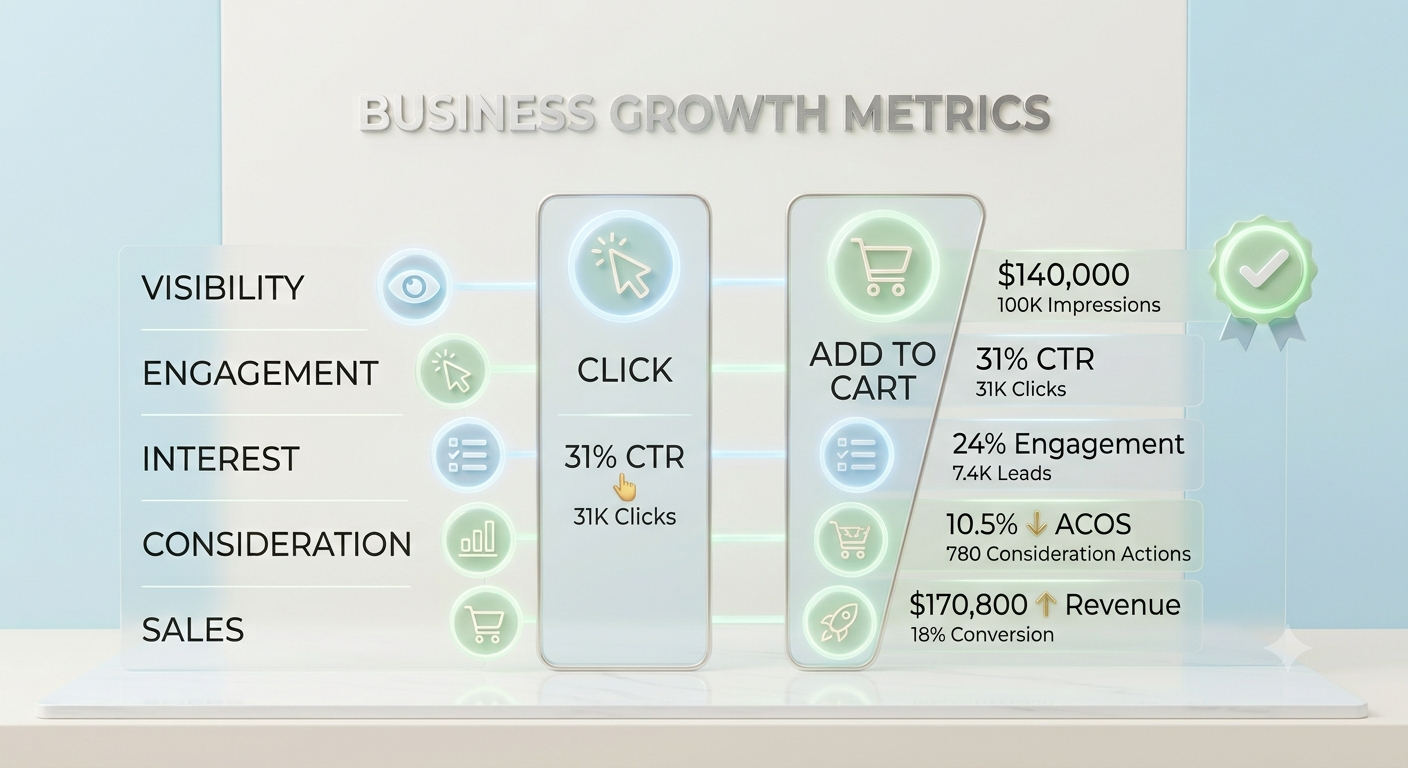
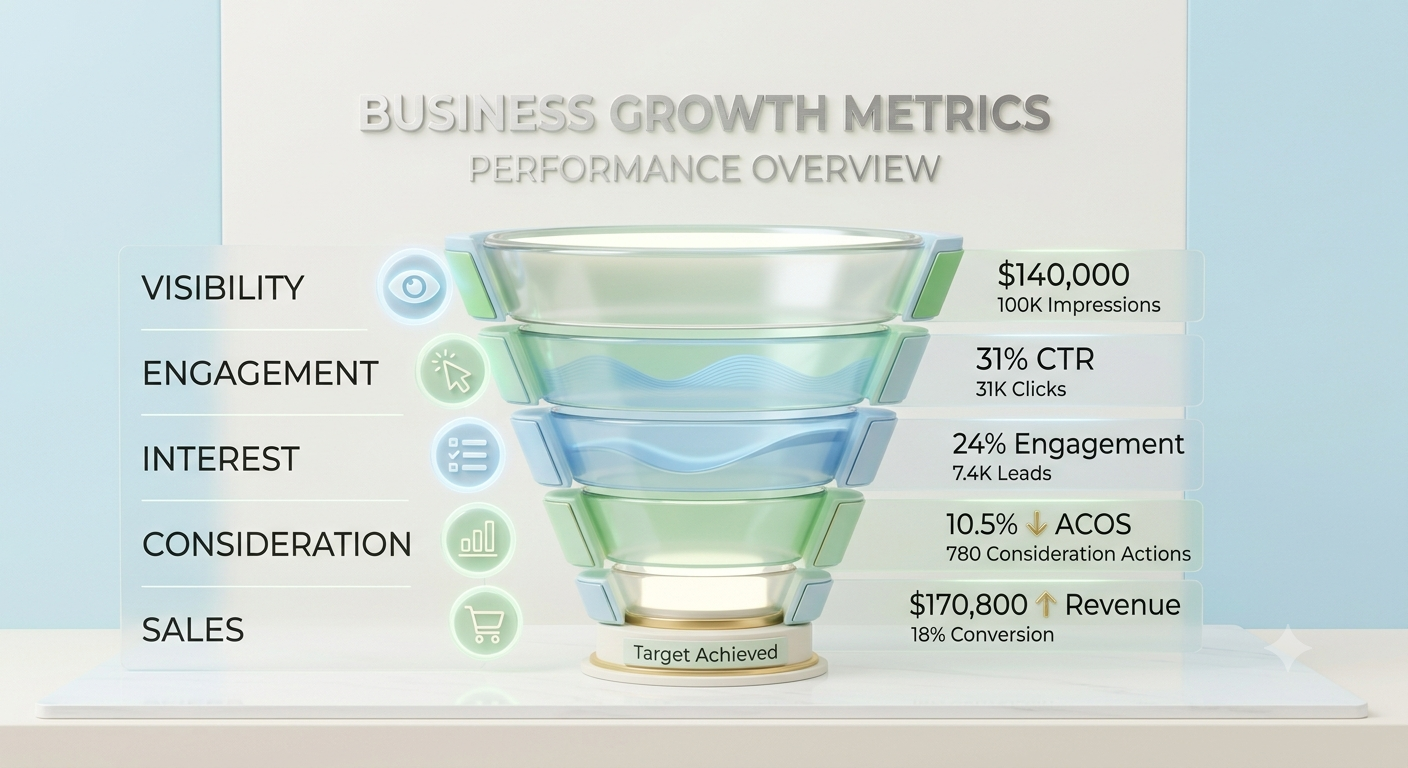
In simple terms, Amazon search query performance tells you how your products show up and behave for a specific search term on Amazon. Not just your keyword rankings, but the entire customer journey for that keyword: how often your product was shown, how often it got clicked, how often it landed in a cart, and how often that turned into a sale.
Think of it like a funnel, but instead of tracking your whole store, it’s tracking one single search term at a time. That’s what makes it so useful: you can see exactly where a keyword’s funnel is leaking.
This data comes from Amazon Brand Analytics, which is only available to brand-registered sellers. If you’re not brand-registered yet, this is one more reason to get there; this report alone is worth it.
Where to Find the Amazon Search Query Performance Dashboard
Here’s the quick path:
- Log into Seller Central
- Go to Brands → Brand Analytics
- Click on Search Query Performance
- Choose ASIN view or Search Query view, pick your date range, and export
The Amazon search query performance dashboard lets you slice this by week, month, or quarter, and you can compare periods side by side. That comparison view is honestly where most of the useful insight lives; a single snapshot rarely tells you much on its own.
The Four Metrics That Actually Matter
There are a lot of columns in this report, but four of them do most of the heavy lifting: impression share, click share, cart-add share, and purchase share. Everything else is really just supporting detail.
Impression Share
This represents the proportion of overall search traffic for a particular keyword on which your product actually appeared. So, if there were 10,000 searches for the phrase “stainless steel water bottle” and your product appeared on 800 of them, then your Amazon impression share would be 8%.
Low impression share usually points to a ranking or relevance problem Amazon just isn’t showing your product for that search often enough.
Click Share
Out of everyone who searched that term and clicked something, what percentage clicked your listing? That’s your Amazon click share. It’s a measure of how appealing your listing is once it’s actually visible your main image, price, title, and reviews are all doing the talking here.
You can have a great impression and still get ignored if the listing doesn’t earn the click.
Cart-Add Share
This one’s a bit underrated. Cart-add share tells you what percentage of cart-adds for that search term went to your product. It sits between the click and the actual purchase, and it’s a good early signal of buying intent before Amazon’s own attribution or fulfillment factors kick in.
Purchase Share
Finally, Amazon purchases share the percentage of total purchases for that keyword that were your product. This is the bottom-line number. It’s a combination of everything above it: if people can discover you, click on you, and even buy from you.
This is how you can memorize this hierarchy of metrics: impressions bring visibility, clicks mean consideration, add-to-cart metric shows intentions, and purchase share is where real dollars are made.
How To Find Out What's Actually Wrong With Your Campaigns (With Examples)
Here is where this report pays off. As soon as you understand these four metrics, you’ll be able to apply some pattern recognition. Here are the four cases that sellers face most commonly, using approximate examples.
Case 1 — High Impressions and Low Clicks
Example: impression share is 22%, but click share is just 3%.
Your product is showing up plenty, but shoppers are scrolling right past it. This is almost always a listing appeal problem, not a ranking one. Check:
- Your main image: against top competitors, is it dull, cropped oddly, or missing lifestyle context?
- Your price: is it noticeably higher with no visible reason why?
- Your review count and star rating: a 3.6-star rating next to competitors sitting at 4.5 stars will kill your click-through every time
Case 2 — High Clicks, Low Conversion
Example: Click share is 15%, but purchase share drops to 4%.
People are interested enough to click, but something on the product page is talking them out of buying. This usually comes down to:
- Pricing that looks fine in search but feels off once they see the full listing (shipping costs, pack size, etc.)
- Weak or thin product images below the fold
- Negative reviews addressing something the title or bullet points don’t clarify
- A/B testing your main content can help here, and it’s worth cross-checking this against your Amazon search query data by ASIN to see if it’s one variation dragging the whole listing down
Case 3 — Low Impressions, High Conversion
Example: Impression share sits at only 5%, but purchase share for those who do click is a strong 30%.
This is actually a good problem to have. Your listing converts really well when people see it the issue is that Amazon isn’t showing it often enough. This is a visibility gap, not a listing quality gap. The fix is usually on the advertising or SEO side:
- Increase PPC bids or budget on that specific keyword
- Make sure the keyword is actually present in your title, bullets, and backend search terms
- Check if a competitor recently launched deals or coupons that are outranking you in relevance
Case 4 — Strong Paid, Weak Organic Performance
Example: Your ad-attributed purchase share for a keyword is healthy, but organic purchase share for the same term is flat or declining.
This tells you the keyword converts you’ve already proven that with ads but your organic ranking hasn’t caught up. It’s one of the clearest signals in Amazon search analytics that you’re relying too heavily on paid traffic to carry a keyword that should be earning sales on its own.
The usual fix is a short, deliberate PPC push specifically on that keyword to help nudge the organic rank, paired with a listing content check to make sure the keyword is well represented in your copy.
Pulling This Data From Amazon Brand Analytics
A few practical tips when working inside Amazon Brand Analytics:
- Export weekly instead of relying only on the dashboard view trends are much easier to spot in a spreadsheet
- Always compare against the prior period, not just a single week in isolation; one bad week can be noise, not a trend
- Filter to your top 20–30 keywords by purchase volume first that’s usually where 80% of your revenue and 80% of your problems live
- Cross-reference with your advertising reports so you can tell paid performance apart from organic performance for the same term
A Simple Weekly Routine Worth Building
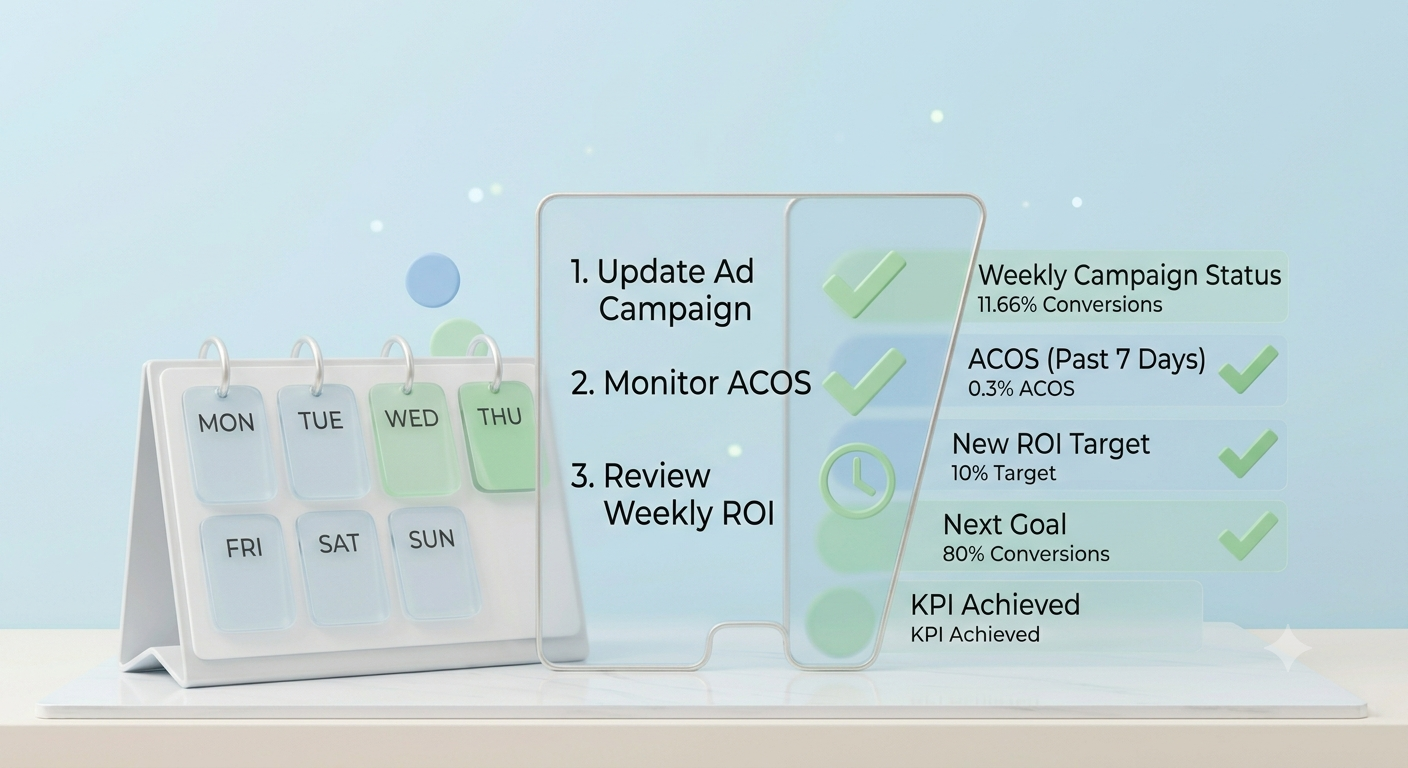
You don’t need to live in this report every day. A short weekly check works fine for most sellers:
- Export the last 7 days of Amazon search query performance dashboard data
- Sort by purchase share, descending
- Flag any keyword where impression share dropped more than 15% week over week
- Flag any keyword where click share is healthy but purchase share is low
- Take one action per flagged keyword don’t try to fix everything at once
Small, consistent checks like this catch problems while they’re still cheap to fix, instead of three months later when sales have already slipped.
Final Thoughts
The Amazon search query performance report isn’t complicated once you break it into its four core pieces impressions, clicks, cart-adds, and purchases. Each of them reveals a unique insight into the effectiveness of the keyword’s funnel and its weaknesses. Once you make it a regular weekly habit to check it, it will become a piece of cake for you to identify these four types of patterns and fix problems even before they impact your sales.
Frequently asked questions
1. Why does a keyword show good impression share but almost no sales?
This usually means the keyword is triggering your listing fine, but something between the search result and the buy button is losing shoppers a weak main image, an uncompetitive price, or a review score that doesn’t match the competition. It’s rarely a keyword problem at that point; it’s a listing problem.
2. Is cart-add share worth tracking if I already track purchase share?
Yes, because it will catch on to the problem early on. If there are high cart additions but low purchases, then the problem must be at the checkout stage or with the trust signal that has anything to do with fulfillment.
3. Can two ASINs from the same brand compete against each other in this report?
Technically, yes Amazon’s search results don’t know they belong to the same seller. It can be helpful to review your ASINs and determine whether there is any cannibalization of impression share taking place between two of them using the same keyword term.
4. How far back should I go before determining that there is a trend?
A single week rarely tells the full story. A safer approach is comparing at least three to four consecutive weeks, since seasonal spikes, one-off promotions, or even a single stockout day can distort a single week’s numbers.
5. Does search query performance data include Sponsored Products clicks?
Yes, this report shows a combination of organic and paid activity for a particular keyword. However, Amazon also separates paid conversions from others in certain reports. That is precisely how one can identify “paid strong/organic weak” keywords.
6. Why do impression share numbers sometimes look tiny even for my main keyword?
The impression share is determined based on the impressions that the keyword receives overall from all sellers, and not from your competition in the particular niche. If you have a high-volume keyword, then the well-ranked product will have a single-digit percentage.


